How to make an Alors On Danse AI video
Make mine with photosThere are four common ways to make an Alors On Danse AI video: write a prompt with reference footage (Dreamina), use a motion-transfer template (Retwist), edit a CapCut template, or add one photo per person to the original clip. Which one fits depends on what you have: just photos, a copy of the clip, or time to edit.
- One photo per role, no prompt
- Works in your browser, no app
- The original song, kept
4 ways to make an Alors On Danse AI video
Each way works differently, so what you get differs too. Apps are named as examples.
| Prompt + reference clipe.g. Dreamina with Seedance | Motion-transfer templatee.g. Retwist | Edit templatee.g. CapCut | One photo per role (this site)You in the original clipUse my photos | |
|---|---|---|---|---|
| You supply | Photos, a reference clip you may use, and a prompt | Two photos | Your own clips or photos | One or two photos, one per role |
| The scene | Rebuilt from your reference clip | Follows the original moves | Your own clips, cut to the beat | The original studio clip |
| The song | Not included; add it yourself | Kept | Depends on the template | Kept |
| Clip you get | Depends on the tool | 30 seconds, 16:9 | Depends on the template | 10 seconds, 16:9 |
| Effort | Write a prompt, try a few times | Pick, upload, wait | Hands-on editing | Add photos, generate |
| Price | See the app's plans | See the app's plans | See the app's plans | Packs from $9.90 (1 video), one-time |
Want the original studio clip, with you in it?
No prompt, no reference clip, no editing.
Which way fits you?
Prompt + reference: you want a new take
Dreamina and media.io build a scene from your photos, a reference clip you are allowed to use and a prompt. Good when you want to change the room, the outfits or the mood. The song is not included, and faces can drift between shots, so expect a few tries.
Motion-transfer template: you want a longer cut
Template sites such as Retwist follow the original moves with your photos and return a 30-second clip with the audio. Check their terms before posting: Retwist says music rights are not included.
Edit template: you want a quick edit
CapCut's "Alors On Danse" templates are edit templates: you add your own clips and they are cut to the beat. None we found puts you into the studio sketch.
One photo per role here: you want that exact clip
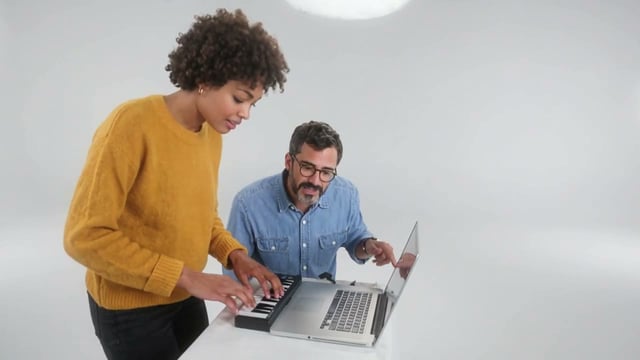
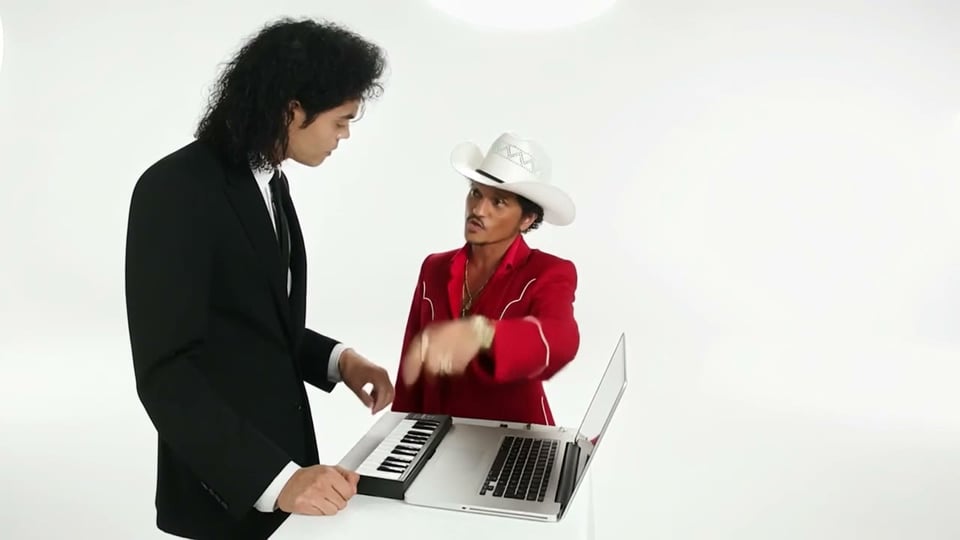
The clip is already loaded: the keys, the laptop, the laugh and the song. Add a photo for one role or both, and only the people change.
Making your Alors On Danse AI video here
- 1
Pick your role
Take the keys, the coaching, or both. A role you leave empty keeps its original performer.
- 2
Add one clear photo per role
A phone selfie in daylight works well. Group shots and sunglasses make the result look off.
- 3
Generate and download
It takes a few minutes. Your 10-second MP4 lands in My videos with the original song, ready to download or share.
Make your Alors On Danse AI video
Choose your roles, add a photo for each and press Generate. Everything else in the clip stays as filmed.
Cast
Fill at least 1 of 2 roles
See the first 5 seconds free. The full video is 600 credits.
One person per photo, face clearly visible. JPG, PNG or WebP up to 10 MB.
- No app
- No watermark
- Credits back if a video fails
Making an Alors On Danse AI video: questions
CapCut has community edit templates under "Alors On Danse", where you add your own clips. None we found puts you into the 2010 studio sketch.
Not here: each video uses credits from a one-time pack, from $9.90. Other apps have their own plans, so check their pricing pages.
Not here: the clip is already loaded. Prompt + reference tools like Dreamina ask you to upload a reference video you are allowed to use.
Not here. One clear, front-facing photo per role is all the generator needs.
Whichever you like: the one standing at the keys, or the one coaching from behind the laptop. You can also play one and put a friend in the other.
TikTok and Instagram can recognize the Stromae track as commercial music. Add the song from the platform's own library and post again.
Its credits go back to your balance automatically.